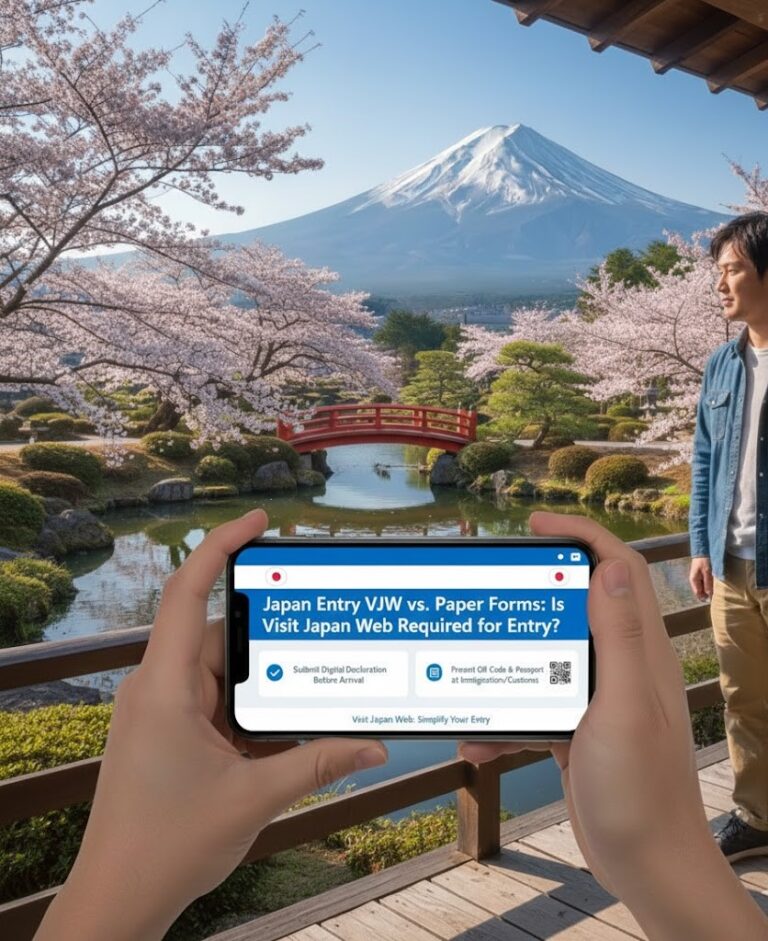
Visit Japan Web (VJW) 2025: Your Guide to Faster Entry into Japan
Visit Japan Web: How to Use Japan’s Official Digital System for Smooth Immigration and Customs
Visit Japan Web Skip the Paperwork—Enter Japan Faster with VJW
If you’re traveling to Japan, the Visit Japan Web (VJW) is your best tool for a smooth arrival at major airports like Narita (NRT) and Haneda (HND).
VJW is the official Japanese government platform that lets you pre-register your immigration and customs information—replacing the old paper forms. Once complete, you’ll receive two QR codes that let you breeze through automated gates on arrival.
While VJW is not mandatory, using it can cut your clearance time in half. Here’s how to set it up correctly.
Section 1: What Is Visit Japan Web (VJW)?
1. Three Functions in One Platform
VJW combines:
- Immigration Clearance: Replaces the paper Disembarkation Card,
- Customs Declaration: Replaces the paper Customs form,
- Tax-Free Shopping: Optional digital tax exemption QR (separate from entry).
2. Is VJW Required?
❌ Not mandatory—you can still fill out paper forms at the airport.
✅ Strongly recommended because it:
- Gives you access to fast-track QR lanes at immigration and customs,
- Saves time and avoids in-flight or airport form-filling,
- Centralizes your entry data in one secure profile.
What You’ll Need
- Valid passport (valid for your entire stay),
- Active email address,
- Flight number and arrival date,
- First accommodation address in Japan (hotel, etc.) and contact phone number.
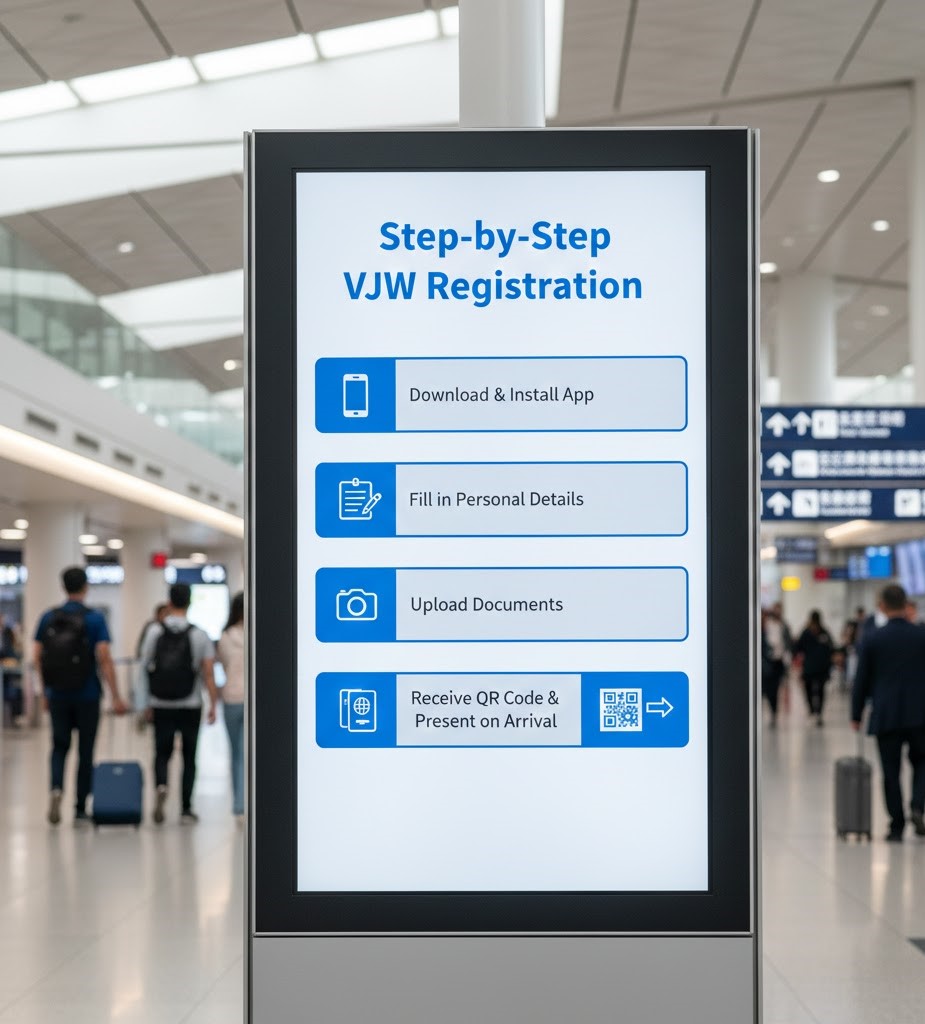
Section 2: Step-by-Step VJW Registration
The process has three stages: account setup, trip registration, and declarations.
Stage 1: Under “Your Details” Enter:
- Name,
- Passport Number,
- Personal Details.
Stage 2: Register Your Trip Enter:
- Trip name (e.g., “Osaka Trip”),
- Planned arrival date,
- Airline and flight number (digits only, e.g., “123” for JL0123).
Accommodation details:
- Enter your postal code first—the system will auto-fill prefecture and city,
- Manually add your street address and hotel/residence name.
Stage 3: Complete Your Declarations
1- Under your trip, select “Immigration clearance and Customs declaration.”
A. Immigration Clearance
- State your purpose of visit and intended stay length,
- Confirm your passport details,
- Answer questions (e.g., “Have you ever been deported from Japan?”).
B. Customs Declaration
Declare if you’re carrying:
- Prohibited items,
- Cash over JPY 1,000,000,
- Commercial goods,
- Alcohol/tobacco exceeding duty-free limits (see Section 3).
📱 Take screenshots of both QR codes—do not rely on airport Wi-Fi to access them on arrival.
Section 3: Using VJW at the Airport
1. Immigration Clearance
- Go to the automated e-Gate or QR counter,
- Scan your passport,
- Scan your Immigration QR code,
- The system will capture your photo and fingerprints—clearance takes seconds.
2. Customs Declaration
- After baggage claim, go to the Customs electronic gate,
- Scan your passport,
- Scan your Customs QR code,
- If you have nothing to declare, the gate opens immediately.
- If you declared dutiable items, you’ll be directed to an officer for payment.
A Practical Suggestion from Our Team
While VJW is optional, over 90% of travelers at Narita and Haneda now use it—and for good reason.
To maximize your time in Japan:
- Complete VJW before you check in for your flight,
- Double-check your accommodation postal code (it auto-fills key fields),
- Save both QR codes offline—your phone is your ticket through immigration and customs.
And if you’d like a second pair of eyes on your VJW registration—especially for families or complex itineraries—our document review service can help you avoid last-minute issues.
Note: FlyClearly is a private travel support service operated by GlobEntry Services LLC. We are not affiliated with the Government of Japan, the Ministry of Justice, or any immigration authority.